


How to Choose the Best IT Support Model for You

A technology issue that stops enrollment, order processing, instruction, or public service is rarely just an IT problem. It becomes an operational problem within minutes. Choosing the best IT support model means deciding who owns the response, who prevents the next issue, and whether your organization has the expertise to make sound technology decisions before an outage or security event forces the question.
For many organizations, the choice is not simply between hiring an IT person and outsourcing everything. Internal teams, managed service providers, and co-managed arrangements can all work well under the right conditions. The most dependable choice is the one that aligns support coverage, security responsibilities, budget structure, and long-term plans with the realities of your environment.
Start With the Business Impact of IT
IT support should be evaluated by business outcomes, not by the number of tickets closed. A school district may need dependable wireless access, student data protection, classroom technology support, and careful use of E-Rate funding. A growing business may need predictable response times, Microsoft 365 administration, secure remote access, and a network that can support a new location. A municipal office or library may need continuity planning, public-facing connectivity, and procurement options that meet contract requirements.
Begin by identifying which systems cannot be unavailable for long. This may include phones, internet access, finance systems, cloud applications, point-of-sale platforms, learning systems, or shared files. Then consider the effect of downtime. If a short interruption creates a minor inconvenience, the support requirement is different from an environment where an hour offline halts critical services or creates safety, compliance, or financial exposure.
This assessment also clarifies whether your current support is reactive or proactive. Reactive support restores service after a problem occurs. Proactive support includes monitoring, patch management, documentation, lifecycle planning, cybersecurity controls, backup oversight, and recurring reviews. Both matter, but organizations that rely only on break-fix assistance often discover that lower upfront costs can lead to more interruptions and less predictable spending.
The Best IT Support Model Depends on Capacity
There is no single best IT support model for every organization. The right model depends on the capability you need, the expertise you already have, and how much responsibility your internal leaders want to retain.
Fully internal IT support
An internal team provides direct familiarity with users, workflows, facilities, and organizational culture. This can be especially valuable for large environments with complex line-of-business systems, frequent on-site needs, or specialized operational requirements. Internal IT staff can also build close relationships with department leaders and shape technology strategy over time.
The trade-off is coverage and specialization. A small internal team may be highly capable but still lack dedicated expertise in cybersecurity, cloud architecture, voice systems, structured cabling, disaster recovery, or major infrastructure projects. Vacation coverage, after-hours incidents, staff turnover, and competing priorities can create gaps. Recruiting and retaining multiple specialists may also be difficult for organizations that need broad expertise but do not need each role full time.
An internal model works best when the organization has the scale, budget, and management capacity to maintain a well-rounded team. It should still include documented procedures, tested backups, clear escalation paths, and external support resources for specialized work.
Fully managed IT support
Under a managed IT support model, an external provider takes primary responsibility for day-to-day technology operations under a defined service agreement. Services commonly include help desk support, endpoint monitoring, patching, user administration, network oversight, vendor coordination, cybersecurity services, backup management, and strategic planning.
This model can give smaller and mid-sized organizations access to a wider bench of skills without building every function internally. It also creates a more predictable operating expense and establishes accountability through documented service scope, response expectations, reporting, and recurring planning discussions.
Fully managed support is often a strong fit for organizations without a dedicated IT department, those with limited internal technical capacity, or leadership teams that want a single accountable partner. It can also be effective when technology needs are expanding faster than the organization can hire. The provider must still learn your workflows and priorities, however. A managed relationship is most effective when both sides communicate regularly and treat documentation, security, and planning as shared responsibilities.
Co-managed IT support
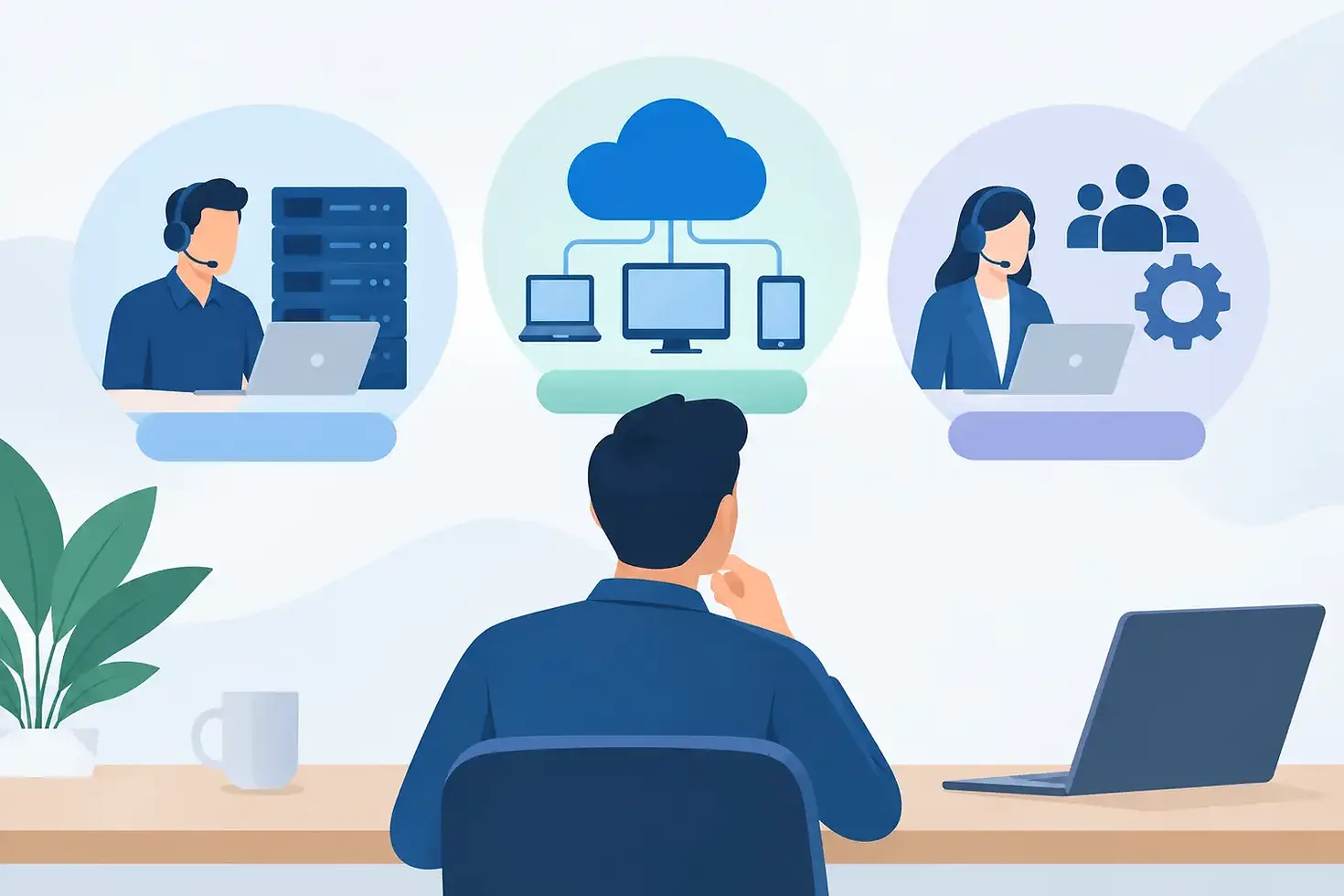
Co-managed IT combines internal knowledge with external depth. Your IT staff remains involved in the areas where they add the most value, while a provider supports specific functions, projects, or coverage needs. One organization may keep user-facing support in-house but outsource security monitoring and network management. Another may rely on an internal IT manager for strategy and vendor oversight while using a partner for help desk coverage, Microsoft 365 administration, backup management, and major implementations.
This approach is particularly useful when internal teams are stretched thin. It gives them access to specialized expertise and additional capacity without displacing the people who understand the organization best. It can also reduce the pressure created by urgent requests, allowing internal staff to focus on system improvements, user training, and initiatives that move the organization forward.
Co-managed arrangements require unusually clear role definitions. Before work begins, establish who owns user support, escalation, approvals, cybersecurity incidents, vendor communication, documentation, and after-hours response. Ambiguity is the fastest way to create delays during a critical event.
Evaluate Support Coverage, Not Just Hourly Cost
Comparing IT support proposals solely by monthly price or hourly rate can hide meaningful differences. A lower-cost arrangement may exclude monitoring, security tooling, strategic planning, on-site support, project management, or vendor coordination. It may also offer limited response coverage when your organization needs assistance most.
Ask practical questions about the support experience. What happens when a user cannot access a core system? Who monitors servers, network equipment, backups, and endpoint health? Is support available after regular business hours? How are urgent issues prioritized? Who communicates during an outage? How are recurring problems identified and addressed?
Cybersecurity deserves the same level of scrutiny. Support providers should be able to explain how they manage patching, multifactor authentication, endpoint protection, backup recovery, access controls, security awareness, and incident response. No provider can eliminate all risk, but a dependable partner should help your organization understand its exposure and make reasonable, measurable improvements.
Build Scalability Into the Decision
The model that fits today may not fit after an acquisition, new building, cloud migration, communications upgrade, or expansion in users. Look for an approach that can grow without requiring a complete reset. That may mean a provider with expertise across managed services, cloud solutions, cybersecurity, communications, infrastructure, and procurement, rather than separate vendors for each need.
Scalability is also about planning. Hardware reaches end of life. Software licensing changes. Internet and wireless needs increase. Voice systems, video conferencing, cabling, and backup requirements evolve with the organization. A support model should include regular conversations about these changes so that expenses can be planned, not rushed into after a failure.
For public-sector organizations, schools, and libraries, procurement flexibility matters as well. A technology partner that understands applicable contracts and funding processes can help reduce administrative friction while keeping projects aligned with technical and operational requirements.
Choose Accountability Over Assumptions
A support agreement should make accountability visible. Define the services included, the systems covered, the expected response process, reporting cadence, security responsibilities, and project approval procedures. Ask for documentation standards and an explanation of how knowledge is retained when staff members change.
The relationship should also include a strategic layer. Routine support keeps systems running, but technology planning helps control costs and reduce risk over time. Regular reviews should address recurring issues, security priorities, asset lifecycle, budget forecasts, backup test results, and upcoming initiatives.
VoDaVi Technologies works with organizations that need this combination of practical support and broader technology guidance. Whether the need is fully managed support, added capacity for an internal team, or expertise for a specific project, the goal should remain the same: technology that supports people, protects operations, and stays aligned with organizational priorities.
The right model is the one that gives your team clear ownership, dependable coverage, and room to grow. Begin with the services your organization cannot afford to lose, then choose a support structure that makes those services easier to protect and easier to improve.


Comments